Wingdings 1 vs Wingdings 2 vs Wingdings 3 vs Webdings
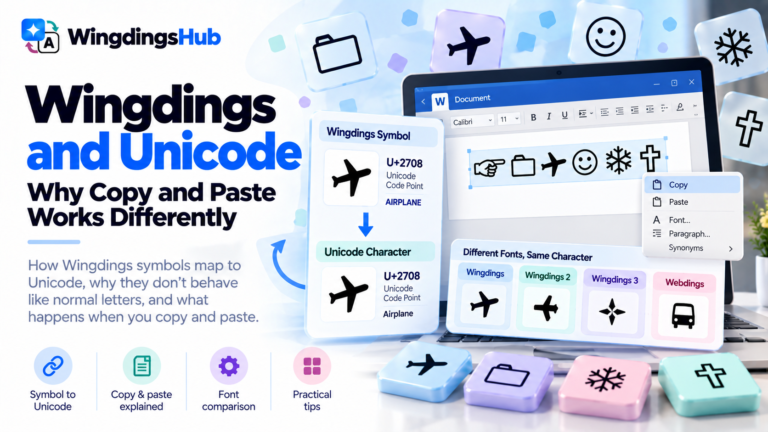
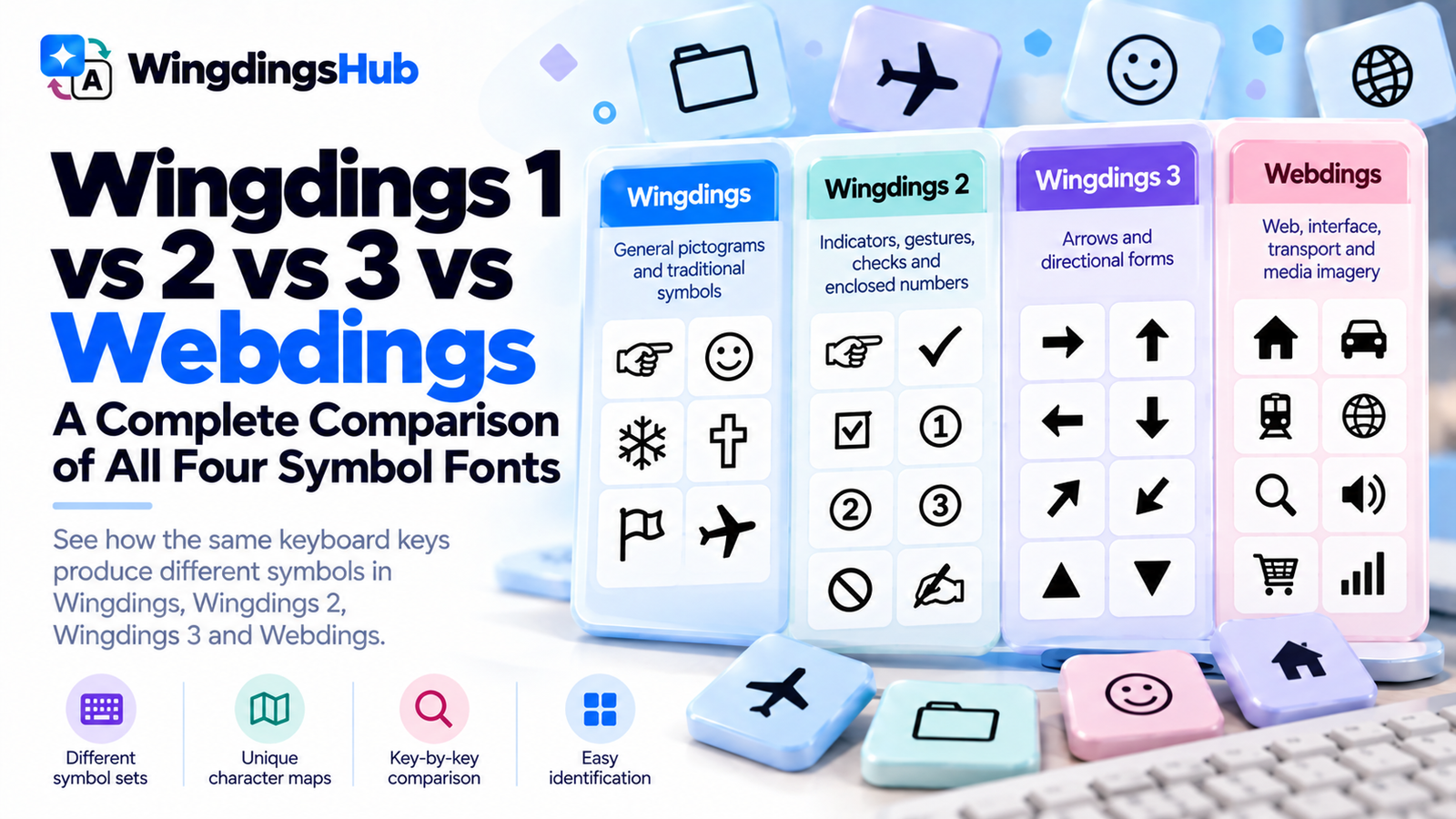
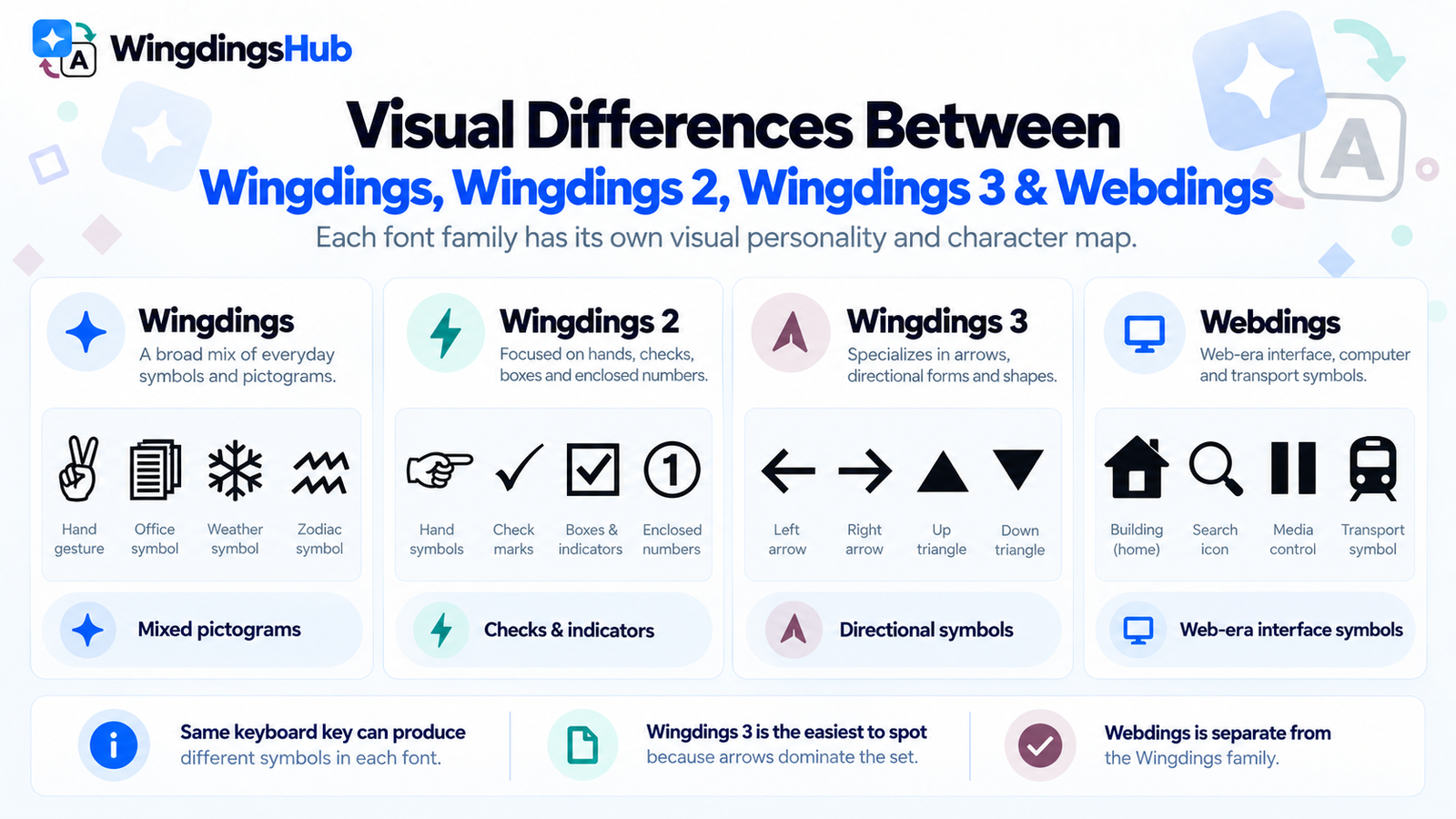
Wingdings, Wingdings 2, Wingdings 3, and Webdings are separate symbol fonts with different character maps and noticeably different visual priorities. Typing the same keyboard character in each font can produce four unrelated symbols.
The original font is officially named Wingdings. “Wingdings 1” is commonly used as shorthand when it needs to be distinguished from Wingdings 2 and Wingdings 3.
The fastest way to understand the four sets is to compare what they emphasize: Wingdings is the broad mixed collection, Wingdings 2 concentrates heavily on hands, marks, checks, and enclosed numbers, Wingdings 3 is dominated by directional forms, and Webdings was built around web-era interface imagery.
Wingdings, Wingdings 2, Wingdings 3 and Webdings at a Glance
| Font | Release | Visual Emphasis | Easy Identification Clues |
|---|---|---|---|
| Wingdings | 1992 | General pictograms and traditional symbols | Hands, faces, folders, weather, zodiac signs, religious marks, geometric forms |
| Wingdings 2 | 1992 | Indicators, gestures, checks, numbered symbols | Pointing hands, check marks, boxes, prohibition signs, enclosed numbers |
| Wingdings 3 | 1992 | Direction and navigation | Arrows, arrowheads, triangles, directional and keyboard-style controls |
| Webdings | 1997 | Web, interface, transport and media imagery | Buildings, media controls, transport, search, roads, audio and UI-style pictograms |
Microsoft groups Wingdings, Wingdings 2, and Wingdings 3 as the Wingdings font family. Webdings came later as a separate symbol font designed specifically in response to the needs of web designers.
The Same Keyboard Key Produces Different Symbols
The clearest difference between the fonts appears when the same character positions are compared directly.
| Key | Wingdings | Wingdings 2 | Wingdings 3 | Webdings |
|---|---|---|---|---|
! |
🖉 | 🖊 | ⭠ | 🕷 |
1 |
🗁 | 🗍 | ⭤ | 🗖 |
A |
✌ | 🖛 | ⮑ | 🏗 |
B |
🖏 | 👈 | ⮒ | 🏘 |
H |
🖗 | 🖠 | ⮄ | 🏠 |
Q |
✈ | 🗵 | ⭯ | 🏕 |
X |
✠ | ⦸ | ⇪ | 🔈 |
a |
♋ | 🙦 | 🢧 | ✔ |
x |
⌧ | ❹ | ◣ | ⦸ |
z |
⌘ | ❻ | ◤ | 🚭 |
Uppercase A, for example, becomes a victory-hand glyph in Wingdings, a different hand symbol in Wingdings 2, a directional form in Wingdings 3, and a construction-related pictogram in Webdings.
A complete word shows the difference even more clearly:
| Input | Output |
|---|---|
| Wingdings | 🖗☜☹☹🏳 |
| Wingdings 2 | 🖠🖝🖢🖢🗴 |
| Wingdings 3 | ⮄⮃⮏⮏⮌ |
| Webdings | 🏠🏜🔍🔍👂 |
Each row above represents the same uppercase input, HELLO. You can compare any text across all four mappings with the Wingdings Translator.
Wingdings: The Broad Mixed Symbol Set
The original Wingdings has the widest visual variety of the four. It combines symbols associated with personal computing and office work with hands, weather signs, faces, religious and astrological marks, flags, geometric shapes, and ornaments.
Its map moves through recognizable groups. Early punctuation positions contain pencils, scissors, telephones, envelopes, and mailboxes. The number row includes folders, documents, storage hardware, a keyboard, mouse, and trackball. Uppercase letters move through hand gestures, faces, warnings, flags, weather imagery, and traditional symbols. Lowercase positions contain zodiac signs and geometric forms.
This variety makes the original Wingdings the least predictable set from a single isolated symbol. A hand, airplane, snowflake, zodiac sign, or diamond could all come from the same font.
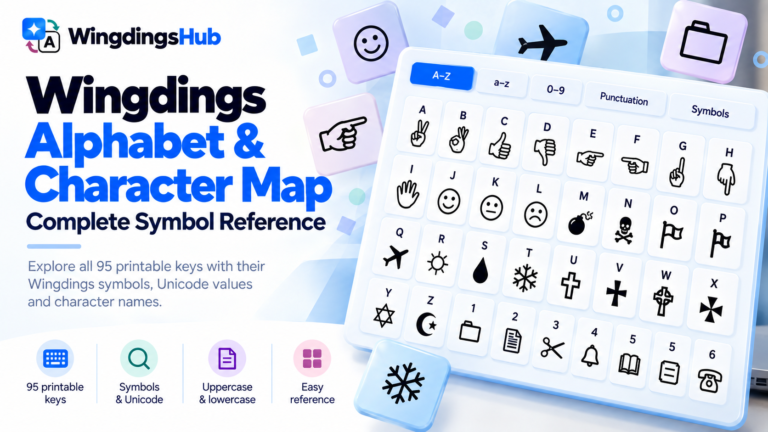
For the full original mapping, including Unicode representations and keyboard positions, use the Wingdings Alphabet & Character Map.
Wingdings 2: Hands, Checks, Marks and Enclosed Numbers
Wingdings 2 has a more structured visual progression than the original font.
The first part of its map contains drawing and writing tools, including pen-, brush-, and crayon-like glyphs. These are followed by hand gestures and pointing hands across a substantial part of the uppercase range.
Another cluster contains familiar status and form symbols:
- check marks;
- checked boxes;
- crossed boxes;
- prohibition marks;
- additional indicator-style forms.
The lower portion of the map becomes especially distinctive. It contains enclosed numbers in multiple styles, including outlined and filled forms from zero through ten.
| Example Key | Wingdings 2 Symbol | Visual Group |
|---|---|---|
B |
👈 | Pointing hand |
C |
👉 | Pointing hand |
P |
✓ | Check mark |
R |
☑ | Checked box |
T |
☒ | Crossed box |
j |
① | Outlined enclosed number |
s |
⑩ | Outlined enclosed number |
u |
❶ | Filled enclosed number |
~ |
❿ | Filled enclosed number |
Those clusters make Wingdings 2 comparatively easy to suspect when a sample contains several hands, form marks, or numbered circles together.
Wingdings 3: The Directional Font
Wingdings 3 has the clearest visual identity of the family. Most of its map consists of arrows, arrowheads, directional forms, and triangles.
The punctuation and number positions contain arrows in different directions, weights, lengths, and styles. The alphabetic positions continue that directional vocabulary with curved arrows, keyboard-like directional symbols, triangular pointers, and additional arrow families.
| Key | Wingdings 3 Symbol | Form |
|---|---|---|
! |
⭠ | Left arrow |
" |
⭢ | Right arrow |
# |
⭡ | Up arrow |
$ |
⭣ | Down arrow |
f |
🡐 | Leftward arrow |
g |
🡒 | Rightward arrow |
h |
🡑 | Upward arrow |
i |
🡓 | Downward arrow |
p |
▲ | Up-pointing triangle |
q |
▼ | Down-pointing triangle |
The map also includes symbols resembling familiar keyboard controls such as Escape, Option, Caps Lock, and space-related indicators. Together they give Wingdings 3 a strongly navigational character.
A source made almost entirely from arrows or directional triangles is therefore a much stronger Wingdings 3 candidate than a mixed collection of hands, faces, buildings, and objects.
Webdings: A Symbol Font Built for the Web Era
Webdings was created in 1997 for a different design environment. Microsoft describes it as a response to web designers who needed a fast way to place scalable graphics on pages without loading many separate image files.
The design was a collaboration involving Microsoft’s Vincent Connare and Monotype designers Sue Lightfoot, Ian Patterson, and Geraldine Wade.
Its mapping reflects the web and interface focus clearly. The set contains:
- buildings and places;
- roads and transport;
- search and viewing symbols;
- media playback controls;
- audio indicators;
- communication imagery;
- information and question symbols;
- interface-style status marks.
The number row is particularly recognizable because it contains media-style controls such as backward, forward, directional, pause, stop, and record symbols.
Uppercase letters then move into places and environment imagery. In WingdingsHub’s map, A through H produce a sequence including construction, residential and city buildings, industrial imagery, and a house. Later positions include search, mountains, an eye, an ear, parks, campsites, railways, stadiums, and a ship.
| Key | Webdings Symbol | Visual Category |
|---|---|---|
3 |
⏴ | Media/navigation control |
7 |
⏪ | Media control |
; |
⏸ | Pause |
< |
⏹ | Stop |
A |
🏗 | Construction / building |
H |
🏠 | Home |
L |
🔍 | Search |
j |
🛩 | Air transport |
u |
🚇 | Metro / transport |
w |
🚩 | Flag marker |
Webdings therefore tends to reveal itself through clusters of interface, place, transport, and media imagery rather than through one signature symbol.
How to Identify Which Symbol Font You Have
A longer sample usually reveals the source more reliably than one isolated glyph. Look for repeated categories across the string.
| If the Sample Contains Mostly… | Strong Candidate |
|---|---|
| Mixed hands, faces, office objects, weather, zodiac, religious and geometric symbols | Wingdings |
| Pointing hands, checks, boxes, prohibition symbols, enclosed numbers | Wingdings 2 |
| Arrows, arrowheads, directional triangles and navigation-like forms | Wingdings 3 |
| Buildings, media controls, transportation, roads, search and interface pictograms | Webdings |
Some glyphs overlap visually or even appear identically in more than one mapping. WingdingsHub’s current canonical maps contain one exact cross-font symbol overlap: ⦸ appears at uppercase X in Wingdings 2 and lowercase x in Webdings. Samples containing several symbols provide much stronger evidence.
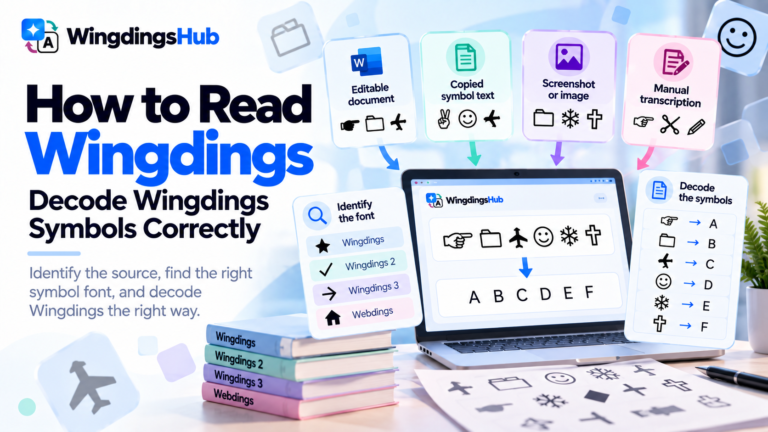
For uncertain symbol strings, How to Read Wingdings covers font identification, Auto-detect, screenshots, ambiguous symbols, and verification in detail.
Which Symbol Set Fits Which Job?
The most useful choice depends on the kind of pictogram needed rather than on which font name is more familiar.
| Need | Best Set to Check First | Reason |
|---|---|---|
| General office and document pictograms | Wingdings | It provides the broadest mix of traditional, office, computing, weather and decorative imagery. |
| Pointing hands and gesture indicators | Wingdings / Wingdings 2 | Both contain substantial hand collections with different positions and styles. |
| Checks, boxes and form-style marks | Wingdings 2 | Its uppercase range contains several check, box and status-style glyphs. |
| Numbered markers | Wingdings 2 | It contains consecutive outlined and filled enclosed-number series. |
| Arrows and directional navigation | Wingdings 3 | Directional forms dominate the character set. |
| Web-era interface imagery | Webdings | The font was designed around web graphics and user-interface needs. |
| Media controls and transport imagery | Webdings | Playback controls, vehicles, roads, and related pictograms are prominent in the map. |
The exact character still matters. Browse the available glyphs before choosing a font solely by category, especially when the symbol will be used repeatedly in a document or interface.
Font Names and Files
The four fonts appear as separate typefaces in software. Microsoft’s current typography records identify these font files:
| Displayed Font Name | Microsoft Font File |
|---|---|
| Wingdings | Wingding.ttf |
| Wingdings 2 | Wingdng2.ttf |
| Wingdings 3 | Wingdng3.ttf |
| Webdings | Webdings.ttf |
Microsoft continues to document the Wingdings family and Webdings for current Windows versions and Office environments. Availability can still depend on the operating system, installed software, and the environment in which a document is opened.
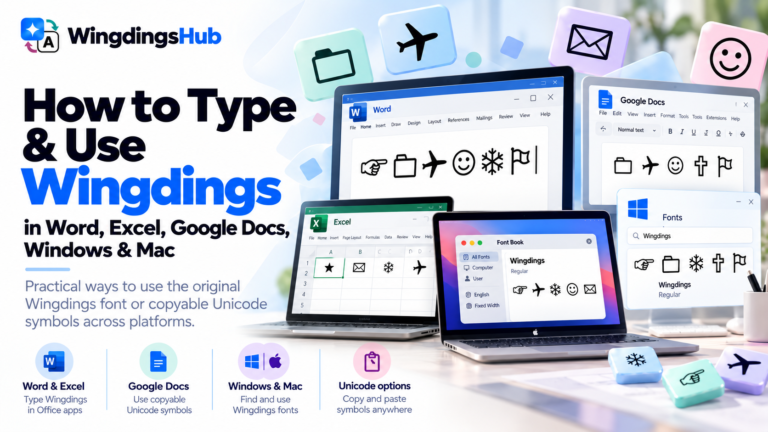
For selecting and using the original fonts inside applications, see How to Type and Use Wingdings in Word, Excel, Google Docs, Windows & Mac.