Wingdings Alphabet & Character Map: Complete Symbol Reference
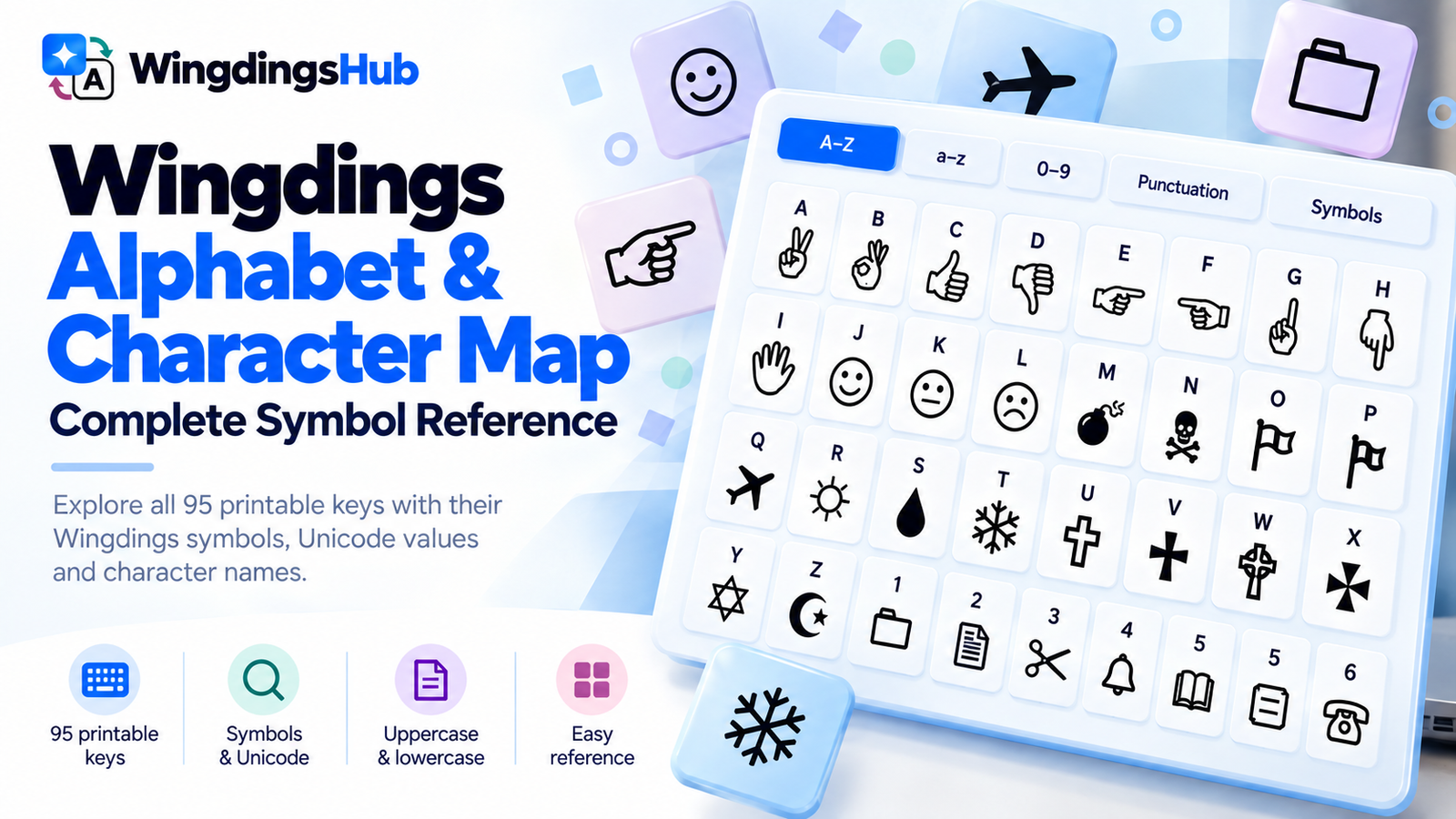
This Wingdings character map pairs the 95 printable ASCII keyboard positions with the symbols used by WingdingsHub’s current original-Wingdings mapping. It includes uppercase and lowercase letters, numbers, punctuation, Space, and the remaining printable keys through ~.
The symbol column uses Unicode characters that represent the corresponding Wingdings glyphs in modern browsers. Their visual style can vary slightly with the fonts and rendering system available on a device.
For complete words or phrases, the Wingdings Translator applies the same mapping automatically.
Complete Wingdings Character Map
Use the first column when you know the keyboard key and want its Wingdings symbol. For reverse lookup, find the symbol and read the key beside it. Uppercase and lowercase positions are listed separately because they have separate mappings.
Uppercase Letters A–Z
| Keyboard Key | Wingdings Symbol | Unicode | Unicode Character Name |
|---|---|---|---|
A | ✌ | U+270C | Victory Hand |
B | 🖏 | U+1F58F | Turned OK Hand Sign |
C | 👍 | U+1F44D | Thumbs Up Sign |
D | 👎 | U+1F44E | Thumbs Down Sign |
E | ☜ | U+261C | White Left Pointing Index |
F | ☞ | U+261E | White Right Pointing Index |
G | ☝ | U+261D | White Up Pointing Index |
H | 🖗 | U+1F597 | White Down Pointing Left Hand Index |
I | 🖐 | U+1F590 | Raised Hand With Fingers Splayed |
J | ☺ | U+263A | White Smiling Face |
K | 😐 | U+1F610 | Neutral Face |
L | ☹ | U+2639 | White Frowning Face |
M | 💣 | U+1F4A3 | Bomb |
N | 🕱 | U+1F571 | Black Skull and Crossbones |
O | 🏳 | U+1F3F3 | Waving White Flag |
P | 🏱 | U+1F3F1 | White Pennant |
Q | ✈ | U+2708 | Airplane |
R | ☼ | U+263C | White Sun With Rays |
S | 🌢 | U+1F322 | Black Droplet |
T | ❄ | U+2744 | Snowflake |
U | 🕆 | U+1F546 | White Latin Cross |
V | ✞ | U+271E | Shadowed White Latin Cross |
W | 🕈 | U+1F548 | Celtic Cross |
X | ✠ | U+2720 | Maltese Cross |
Y | ✡ | U+2721 | Star of David |
Z | ☪ | U+262A | Star and Crescent |
Lowercase Letters a–z
| Keyboard Key | Wingdings Symbol | Unicode | Unicode Character Name |
|---|---|---|---|
a | ♋ | U+264B | Cancer |
b | ♌ | U+264C | Leo |
c | ♍ | U+264D | Virgo |
d | ♎ | U+264E | Libra |
e | ♏ | U+264F | Scorpius |
f | ♐ | U+2650 | Sagittarius |
g | ♑ | U+2651 | Capricorn |
h | ♒ | U+2652 | Aquarius |
i | ♓ | U+2653 | Pisces |
j | 🙰 | U+1F670 | Script Ligature Et Ornament |
k | 🙵 | U+1F675 | Swash Ampersand Ornament |
l | ⚫ | U+26AB | Medium Black Circle |
m | 🔾 | U+1F53E | Lower Right Shadowed White Circle |
n | ◾ | U+25FE | Black Medium Small Square |
o | 🞏 | U+1F78F | Medium White Square |
p | 🞐 | U+1F790 | Bold White Square |
q | ❑ | U+2751 | Lower Right Shadowed White Square |
r | ❒ | U+2752 | Upper Right Shadowed White Square |
s | 🞟 | U+1F79F | Black Medium Small Lozenge |
t | ⧫ | U+29EB | Black Lozenge |
u | ◆ | U+25C6 | Black Diamond |
v | ❖ | U+2756 | Black Diamond Minus White X |
w | 🞙 | U+1F799 | Black Medium Small Diamond |
x | ⌧ | U+2327 | X in a Rectangle Box |
y | ⮹ | U+2BB9 | Up Arrowhead in a Rectangle Box |
z | ⌘ | U+2318 | Place of Interest Sign |
Numbers 0–9
| Keyboard Key | Wingdings Symbol | Unicode | Unicode Character Name |
|---|---|---|---|
0 | 🗀 | U+1F5C0 | Folder |
1 | 🗁 | U+1F5C1 | Open Folder |
2 | 🗎 | U+1F5CE | Document |
3 | 🗏 | U+1F5CF | Page |
4 | 🗐 | U+1F5D0 | Pages |
5 | 🗄 | U+1F5C4 | File Cabinet |
6 | ⏳ | U+23F3 | Hourglass With Flowing Sand |
7 | 🖮 | U+1F5AE | Wired Keyboard |
8 | 🖰 | U+1F5B0 | Two Button Mouse |
9 | 🖲 | U+1F5B2 | Trackball |
Punctuation and Other Printable Keys
| Keyboard Key | Wingdings Symbol | Unicode | Unicode Character Name |
|---|---|---|---|
Space | U+0020 | Space | |
! | 🖉 | U+1F589 | Lower Left Pencil |
" | ✂ | U+2702 | Black Scissors |
# | ✁ | U+2701 | Upper Blade Scissors |
$ | 👓 | U+1F453 | Eyeglasses |
% | 🕭 | U+1F56D | Ringing Bell |
& | 🕮 | U+1F56E | Book |
' | 🕯 | U+1F56F | Candle |
( | 🕿 | U+1F57F | Black Touchtone Telephone |
) | ✆ | U+2706 | Telephone Location Sign |
* | 🖂 | U+1F582 | Back of Envelope |
+ | 🖃 | U+1F583 | Stamped Envelope |
, | 📪 | U+1F4EA | Closed Mailbox With Lowered Flag |
- | 📫 | U+1F4EB | Closed Mailbox With Raised Flag |
. | 📬 | U+1F4EC | Open Mailbox With Raised Flag |
/ | 📭 | U+1F4ED | Open Mailbox With Lowered Flag |
: | 🖳 | U+1F5B3 | Old Personal Computer |
; | 🖴 | U+1F5B4 | Hard Disk |
< | 🖫 | U+1F5AB | White Hard Shell Floppy Disk |
= | 🖬 | U+1F5AC | Soft Shell Floppy Disk |
> | ✇ | U+2707 | Tape Drive |
? | ✍ | U+270D | Writing Hand |
@ | 🖎 | U+1F58E | Left Writing Hand |
[ | ☯ | U+262F | Yin Yang |
\ | 🕉 | U+1F549 | Om Symbol |
] | ☸ | U+2638 | Wheel of Dharma |
^ | ♈ | U+2648 | Aries |
_ | ♉ | U+2649 | Taurus |
` | ♊ | U+264A | Gemini |
{ | 🏵 | U+1F3F5 | Rosette |
| | 🏶 | U+1F3F6 | Black Rosette |
} | 🙶 | U+1F676 | Sans-Serif Heavy Double Turned Comma Quotation Mark Ornament |
~ | 🙷 | U+1F677 | Sans-Serif Heavy Double Comma Quotation Mark Ornament |

How the Wingdings Keyboard Is Organized
The original Wingdings map contains several recognizable runs of related symbols. Seeing those clusters makes a long character chart easier to navigate.
| Keyboard Range | Dominant Symbol Group | Examples |
|---|---|---|
! through / |
Writing, communication, and mail | Pencils, scissors, eyeglasses, telephone, envelopes, mailboxes |
0 through 9 |
Files and computer equipment | Folders, documents, file cabinet, keyboard, mouse, trackball |
: through @ |
Computer storage and writing | Computer, hard disk, floppy disks, tape drive, writing hands |
A through I |
Hand gestures | Victory sign, pointing hands, thumbs up and down, raised hand |
J through L |
Faces | Smiling, neutral, and frowning faces |
M through Z |
Mixed pictograms and established symbols | Bomb, skull, flags, airplane, weather symbols, crosses, Star of David, star and crescent |
[ through ` |
Religious and zodiac symbols | Yin Yang, Om, Wheel of Dharma, Aries, Taurus, Gemini |
a through i |
Zodiac continuation | Cancer through Pisces |
j through k |
Ornaments | Decorative ligature and ampersand forms |
l through y |
Geometric shapes | Circles, squares, lozenges, diamonds, boxed marks |
z through ~ |
Place/ornamental signs | Place of interest sign, rosettes, quotation-mark ornaments |
The zodiac sequence is a useful example of why a complete character map extends beyond letters. Aries, Taurus, and Gemini sit on ^, _, and `; Cancer through Pisces continue across lowercase a to i.
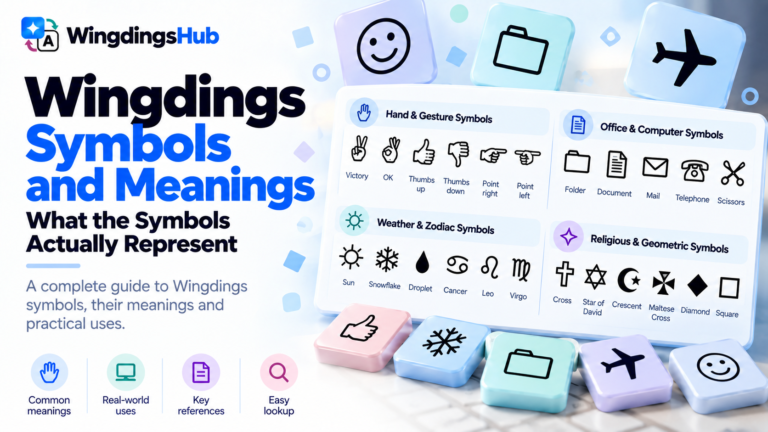
For the visual identity and conventional meaning of individual pictograms, see Wingdings Symbols and Meanings.
Legacy Lookalikes Found in Older Wingdings Charts
Older converters often used visually similar Unicode characters for Wingdings glyphs that lacked a convenient or widely supported counterpart at the time. Those approximations still appear in copied text and older online charts.
The current WingdingsHub decoder recognizes several of these legacy forms alongside its standard output:
| Keyboard Key | Current Representation | Legacy Lookalike Accepted by the Decoder |
|---|---|---|
0 | 🗀 | 📁 |
1 | 🗁 | 📂 |
2 | 🗎 | 📄 |
6 | ⏳ | ⌛ |
B | 🖏 | 👌 |
H | 🖗 | ☟ |
N | 🕱 | ☠ |
S | 🌢 | 💧 |
\ | 🕉 | ॐ |
l | ⚫ | ● |
n | ◾ | ■ |
o | 🞏 | □ |
s | 🞟 | ⬧ |
w | 🞙 | ⬥ |
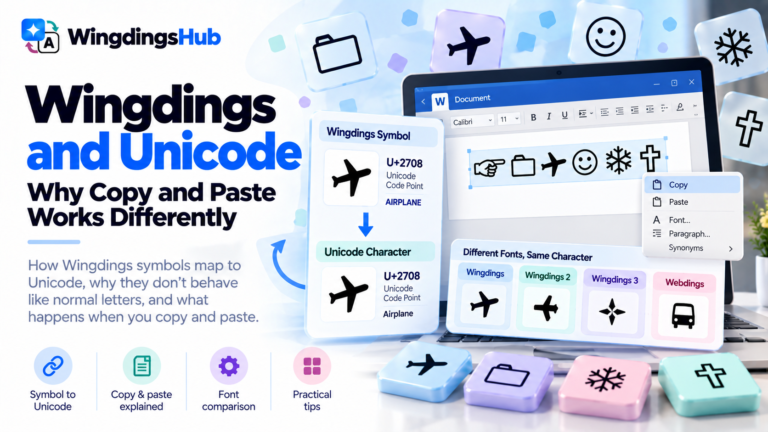
A legacy lookalike can appear almost identical while carrying a different Unicode code point. Wingdings and Unicode: Why Copy & Paste Works Differently covers the practical effects when these characters move between apps and devices.
Using This Map With Other Wingdings Tools
This reference covers the original Wingdings mapping. Wingdings 2, Wingdings 3, and Webdings assign their own symbols to the same keyboard positions; Wingdings 1 vs Wingdings 2 vs Wingdings 3 vs Webdings shows the differences.
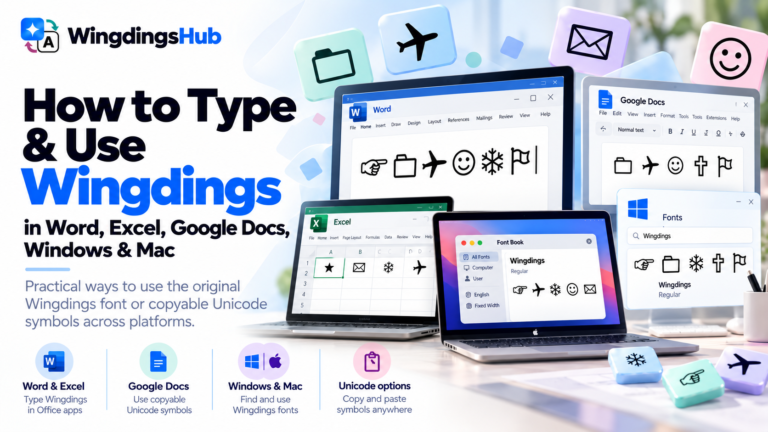
For direct symbol selection, the Wingdings Keyboard provides a clickable alternative to scanning the tables. If you are working with Microsoft’s original font inside office or desktop software, How to Type and Use Wingdings in Word, Excel, Google Docs, Windows & Mac covers the application-specific workflow.
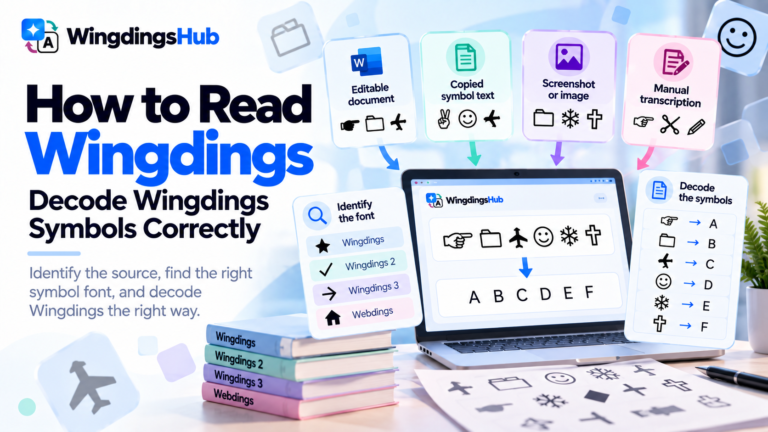
Longer or uncertain symbol strings can require more than a one-character lookup. How to Read Wingdings covers that decoding process.